
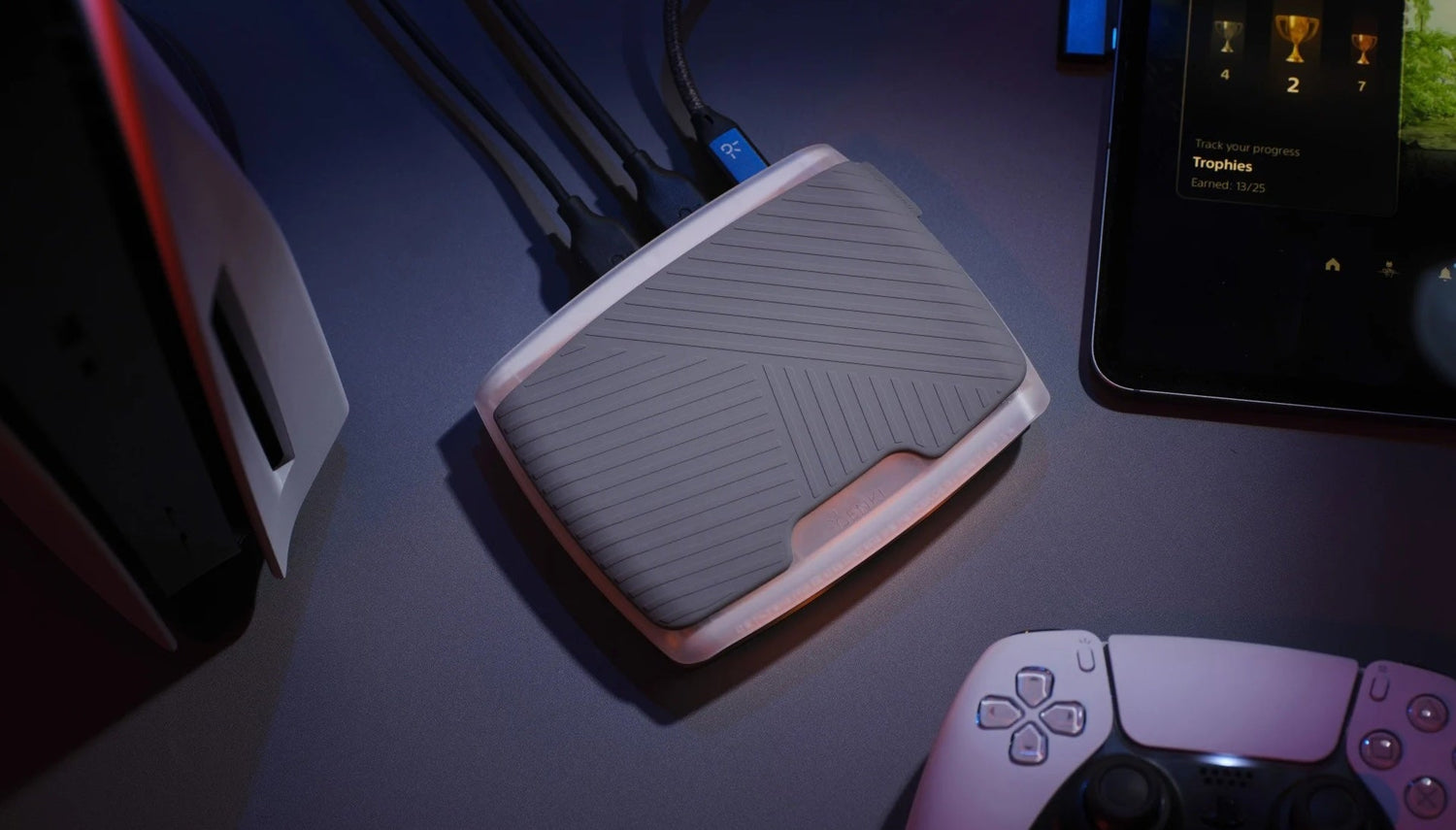
Most consoles and PCs can record gameplay on their own, but built-in tools often fall short when it comes to streaming quality, input lag, or audio control. If you're serious about content creation, using a capture card gives you more freedom to stream in higher quality, record from multiple devices, or offload heavy processing from your main setup. In this guide, we’ve picked out the best capture cards of 2025, each matched to a specific type of gaming or streaming setup, so you can find the one that actually fits the way you play.
Top 7 Capture Cards for Streaming and Recording on Consoles and PC
|
Category |
Capture Card |
Price (USD) |
|
Best for 4K HDR Streaming |
AVerMedia Live Gamer Ultra S |
$139.99 |
|
Best for Lag-Free 4K Capture and Handheld Play |
ShadowCast 2 Pro |
$149.99 |
|
Best Budget Option |
Elgato Game Capture Neo |
$130.48 |
|
Best for Competitive Console Play |
AVerMedia Live Gamer Ultra 2.1 |
$209.99 |
|
Best Internal Card for Dual-PC Setups |
Elgato Game Capture 4K Pro |
$269.99 |
|
Best Standalone Recorder |
Elgato 4K60 S+ |
$399 |
|
Best for Dual HDMI Capture |
AVerMedia Live Gamer Duo |
$229.99 |
1.AVerMedia Live Gamer Ultra S
- Price: $139.99
- Product Link: AverMedia Live Gamer Ultra S
- Compatibility: Fully compatible with PCs and consoles
|
Pros |
Cons |
|
✅ 4K60 + high-FPS capture |
❌ Full features need software |
|
✅ VRR and HDR passthrough |
❌ 60 FPS capture limit (at 4K) |
|
✅ Zero-lag 4K60 passthrough |
If you want clean 4K60 HDR capture without blowing your budget, the Ultra S gets you there with zero lag and no fuss. This bang-for-back champion can record gameplay up to 4K at 60 FPS, complete with HDR support and even variable refresh rate (VRR) passthrough for tear-free captures.
In practice, that means you can play your games in 4K HDR on your TV/monitor while the card records the feed without cutting resolution or frame rate. That said, you’ll want to use AVerMedia’s software to unlock its full potential. Out of the box, it’s plug-and-play and will do basic capture in OBS or other apps with no hassle. But certain bells and whistles like accessing all 4K options require installing AVerMedia’s Streaming Center app.
Aside from that, if you’re primarily streaming or recording console gameplay, this card gives you headroom to record in a very high quality. PC streamers can benefit too – using a capture card can reduce strain compared to software capture, and this model’s support for high refresh rates even accommodates high-FPS PC gaming.
2. The ShadowCast 2 Pro
- Price: US $149.99 (on sale: $99.99)
- Product Link: ShadowCast 2 Pro
- Compatibility: Fully compatible with PCs, iPads, and consoles
|
Pros |
Cons |
|
✅ 4K60 capture & passthrough |
❌ Needs a stable USB controller for 4K capture |
|
✅ Handles up to 144 FPS at 2560×1440, or 240 FPS at 1080p |
|
|
✅ HDMI passthrough with HDR/VRR |
|
|
✅ Multiple platforms (PC/Consoles/Mac/iPad) |
The ShadowCast 2 Pro is built for streamers and content creators who want sharp 4K capture and high frame rate support, especially for handheld setups, without paying high-end prices. You’re getting a ton of performance here for what it costs.
For one, with its ultra-low latency, the ShadowCast 2 Pro captures and passes through 4k60, meaning you can game on your TV in 4K HDR with literally zero delay while the device simultaneously feeds the video to your PC for recording or streaming. This capture card can handle a 4K 60fps signal in both directions, meaning you’re free to play and capture in 4K simultaneously.
Beyond that, this capture card also supports Variable Refresh Rate (VRR), so gameplay stays smooth and tear-free on compatible displays. On top of that, it can handle up to 144fps at 1440p or 240fps at 1080p, which is great if you’re recording fast-paced games for slow-motion edits or just want to play at high refresh rates without giving up capture quality. It's perfect for capturing gameplay from handheld consoles and even high-end gaming PCs without sacrificing the 4K big-screen experience for yourself.
3. Elgato Game Capture Neo
- Price: US $130.48
- Product Link: Elgato Game Capture Neo
- Compatibility: Fully compatible with PCs and consoles
|
Pros |
Cons |
|
✅ Beginner-friendly setup |
❌ 1080p60 max recording |
|
✅ 1080p60 capture with 4K passthrough |
❌ No HDR recording |
|
✅ Lag-free passthrough |
❌ PC required |
|
✅ Affordable |
The Neo’s a perfect entry-level capture card for Twitch beginners and casual content creators. It focuses on doing one job very well: recording standard Full HD video from your console or PC reliably. It’s also super easy to use.
Just hook up your console’s HDMI to the Neo and connect the Neo to your PC via USB, and you’re ready to capture or stream.
The Neo doesn’t burden you with extra features you might not need. There’s no proprietary software required since it works out-of-the-box with OBS, etc. and doesn’t include extraneous inputs or mixing features, which for many users is perfectly fine.
Despite its budget status, the Game Capture Neo isn’t lacking. For example, it supports 4K60 HDR passthrough, meaning if you have a PS5/Xbox set to 4K, you can still play in 4K on your TV with HDR, while the Neo simultaneously captures a 1080p feed for your stream/recording. It also has zero-latency passthrough, so you won’t experience gameplay lag.
4. AVerMedia Live Gamer Ultra 2.1
- Price: US $209.99
- Product Link: AVerMedia Live Gamer Ultra 2.1
- Compatibility: Fully compatible with PCs and consoles
|
Pros |
Cons |
|
✅ Next-gen HDMI 2.1 support |
❌ Expensive |
|
✅ Can pass 1440p at up to 240 Hz, and 1080p at 360 Hz |
❌ You’ll need a solid CPU/GPU to encode the incoming 4K60 stream for recording/streaming. |
|
✅ Solid 4K60 HDR capture |
|
|
✅ Affordable |
If you’re the kind of gamer or content creator who always wants the absolute cutting-edge, the AVerMedia Live Gamer Ultra 2.1 is the capture card to look at. This is a next-generation external card that embraces the new HDMI 2.1 standard to offer features well beyond typical capture devices.
Specifically, the Ultra 2.1 can pass through up to a 4K @ 144 Hz HDR signal to your display, while capturing gameplay at 4K 60 FPS. In simpler terms, you could play something like Call of Duty in 4K at 120 Hz on a PS5 or Xbox Series X with HDR on, and the card will record the footage at 4K60 for your stream/recording without forcing you to drop your refresh rate.
For high-end PC users, it similarly can handle very high frame rates thanks to that HDMI 2.1 bandwidth. That said, the trade-off, of course, is that this level of tech comes at a steep price. The Ultra 2.1 is one of the more expensive consumer capture cards on the market. So it’s really aimed at those who demand that full 120/144 Hz passthrough for competitive gaming or simply don’t want to ever toggle off their high-frame-rate settings.
4. Elgato Game Capture 4K Pro
- Price: US $269.99
- Product Link: Elgato 4KPro
- Compatibility: Desktop PCs and consoles (Not compatible with laptops or Mac.)
|
Pros |
Cons |
|
✅ 8K Passthrough at 60 Hz, 4K at 144 Hz |
❌ Requires a desktop PC |
|
✅ Excellent 4K60 HDR capture |
❌ Expensive |
|
✅ Ultra-low latency |
❌ No standalone functionality |
|
✅ Discrete and tidy |
❌ Not compatible with laptops or Mac |
Elgato explicitly markets the 4K Pro for “PC creators and streamers with dual-PC setups”, as a successor to their older 4K60 Pro MK.2 card. With an internal card, you don’t have to worry about occupying a USB port or any potential USB bandwidth/latency issues. The card talks directly over the PCIe bus, which can be an advantage if you’re capturing multiple sources or very high bitrates.
This card installs into a PCIe x4 slot on your PC and offers some of the most robust specs available. For one, it can pass through up to 8K resolution at 60 Hz (HDR) or 4K at 144 Hz among many other modes, while capturing gameplay at up to 4K60 HDR quality.
One standout aspect is the future-proofing: this 4K Pro can pass through features like VRR (Variable Refresh Rate) and high refresh HDR signals that many older cards simply cannot. So even if you upgrade to an 8K TV or 4K 240Hz monitor down the line, your capture card won’t be a bottleneck.
6. Elgato 4K60 S+
- Price: US $399
- Product Link: View on Amazon
- Compatibility: Works with PCs and all consoles
|
Pros |
Cons |
|
✅ PC-free 4K recording |
❌ Costly |
|
✅ Very easy to use |
❌ Expensive |
|
✅ High-bitrate HEVC captures |
❌ No 1440p capture option |
|
✅ 4K60 HDR passthrough |
Not only is the S+ an external USB capture device but also a standalone recorder as well. This means it can function without a PC attached. You just plug in your console (or any HDMI device), hit the record button, and it saves the footage straight to an SD card in 4K.
For content creators who attend gaming conventions or tournaments, this capture card is a dream come true. Instead of hauling a laptop around or being tethered to a PC, you can use this device like a mini DVR, then later transfer the SD card files to your editing machine. It’s also useful for those who might not have a powerful PC.
In standalone mode, the 4K60 S+ can record up to 4K60 HDR. Passthrough-wise, it has an HDMI 2.0 output, so it will still allow 4K60 play-through to your TV. Importantly, you’re not sacrificing quality for this convenience: the footage it records is crisp and the device supports the same 140 Mb/s HEVC encoding as Elgato’s internal 4K cards, meaning your 4K files are reasonably sized and easy to work with.
When connected to a PC via USB 3.0, the 4K60 S+ also works like a regular capture card. It can feed 4K or downscaled 1080p into OBS/Studio for streaming. So it’s quite versatile and you can use it for live streaming or as a standalone offline recorder.
7. AVerMedia Live Gamer Duo (GC570D)
- Price: US $229.99 $202.39
- Product link: View on Amazon
- Compatibility: Windows PC (PCIe slot required)
|
Pros |
Cons |
|
✅ Dual inputs for two video feeds |
❌ 1080p capture limit |
|
✅ 4K HDR passthrough & high refresh |
❌ Expensive |
|
✅ adds no noticeable CPU/GPU load during capture |
❌ PC-only (no Mac/laptop) |
|
✅ 4K60 HDR passthrough |
The AVerMedia Live Gamer Duo (GC570D) is a dual-HDMI capture card that installs into a desktop PC’s PCIe slot. It’s designed for streamers and content creators who want to capture two video sources simultaneously.
For example, gameplay from a console or gaming PC plus a live camera feed. In practical terms, the Live Gamer Duo lets you stream or record your gameplay and your face-cam, or any second HDMI source, at the same time with one device, instead of needing two separate capture cards.
You can play in full 4K or high frame rates on your own screen with no lag, thanks to the 4K60 HDR and 1080p240 passthrough on the primary HDMI input. Meanwhile, the card captures the signals in 1080p60 for your stream, which is a standard high-quality format for Twitch or YouTube. The zero-lag passthrough means gamers won’t feel any difference playing through the card; it’s as if the console is hooked directly to the TV.
For live streaming at 1080p, the Live Gamer Duo provides a convenient, one-card solution for multi-source capture with high passthrough capabilities, ideal for gaming content creators who want to elevate their production value with a separate camera feed.
Final Thoughts
The best capture card for you depends on how you play and what kind of content you’re making. If you’re streaming casually or just getting started, a solid 1080p card will handle the basics.
If you’re recording high-res footage or editing polished videos, you’ll want a 4K-capable option with passthrough.
For competitive players or those with next-gen consoles, HDMI 2.1 cards with high refresh rate support make a real difference. The key is to focus on what you actually need and skip the extra features you’ll never use.



コメントを書く
全てのコメントは、掲載前にモデレートされます
このサイトはhCaptchaによって保護されており、hCaptchaプライバシーポリシーおよび利用規約が適用されます。